
AI-powered fashion retail ecosystem
The future
of fashion
is personal.
Discover a smarter way to experience fashion. Alankar Studio is Mirror for the store, Command for the business, and Pocket for the customer.
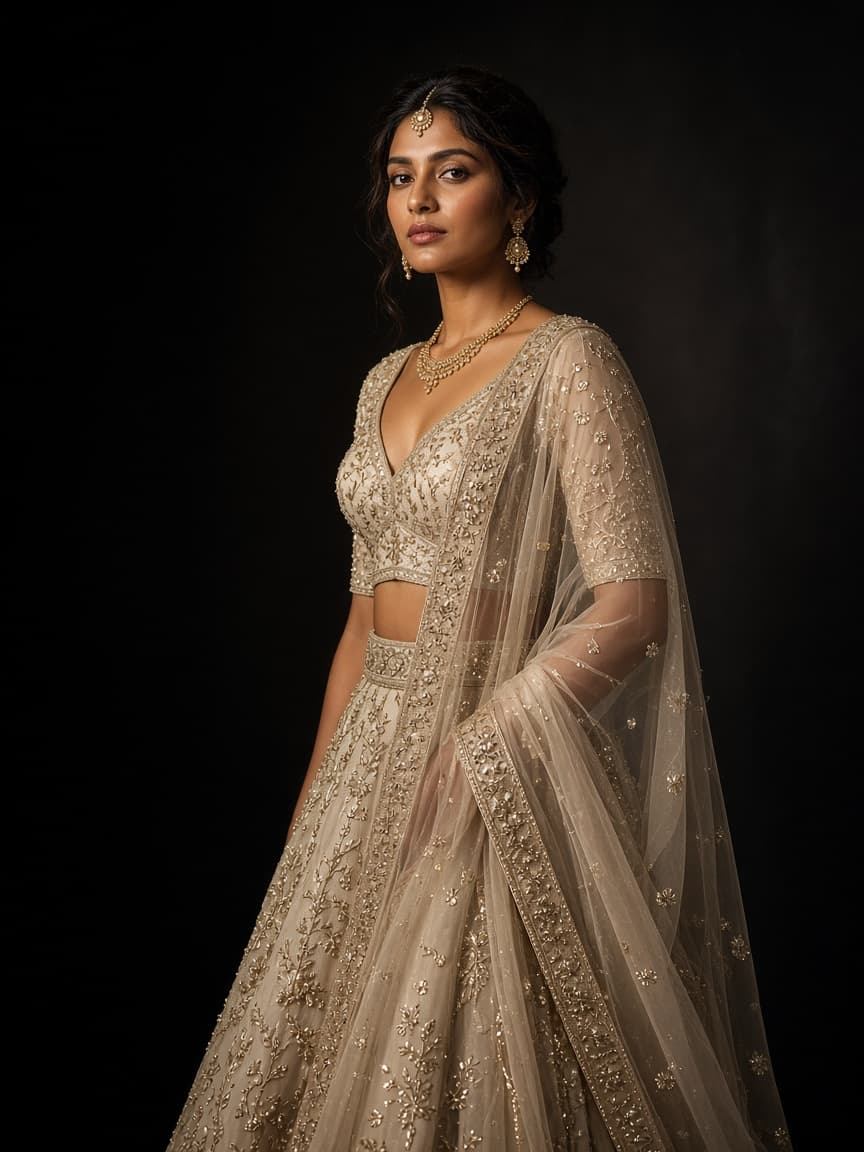
A complete fashion ecosystem
Transforming fashion retail for a smarter tomorrow
Mirror, Command, and Pocket work as one studio: try-on on the floor, the business on the desk, and the wardrobe on the phone.
Alankar Mirror
In-store virtual try-on
A touchscreen on the floor where a customer photographs themselves and tries garments from that store.
Alankar Command
Retail business management
The desk for products, customers, sales, staff, and every shop in the group.
Alankar Pocket
Personal wardrobe and shopping
The customer’s wardrobe, styling, and a way to shop the store after they leave.
How the studio helps
More than technology. A smarter way to run fashion retail.
Alankar Studio connects your physical store, customers, products, and online shopping experience into one intelligent ecosystem.
- 01
Improve customer experience
Give customers an interactive visit, with virtual try-on and outfit suggestions drawn from what the store holds.
- 02
Increase sales opportunities
Help customers look through more of the rack, picture an outfit, and notice pieces they would otherwise walk past.
- 03
Understand your business
See sales, inventory, customer preferences, and how the store is doing from one desk.
- 04
Connect physical and digital retail
Bring the shop floor and the online catalogue into the same studio, for the visit and for later.
Why a store looks at this
The way people shop is changing. Is your store ready?
Trial rooms still matter. What has changed is how much a customer will try, and how little of that visit the business can see.
Traditional retail
- Customers depend on the trial room.
- Few people try more than one or two outfits.
- The owner rarely sees which looks were considered.
- Stock and the day’s trade can live in different books.
- The shop and the online catalogue stay apart.
- A customer who leaves is often gone.
With Alankar
- A virtual try-on on the floor, beside the trial room.
- Several outfits can be explored in one visit.
- The visit can be personal to the photograph and the rack.
- Inventory and the business sit on one desk.
- A clearer view of products, customers, and sales.
- The floor and later shopping can share the same catalogue.
How Mirror works in the store
Your store. A new way to experience fashion.
Turn an ordinary shopping visit into an interactive fitting on the floor. The clothes are the store’s. The photograph is the customer’s.
01
Customer approaches the mirror
A customer comes onto the floor and uses the Alankar Mirror touchscreen.
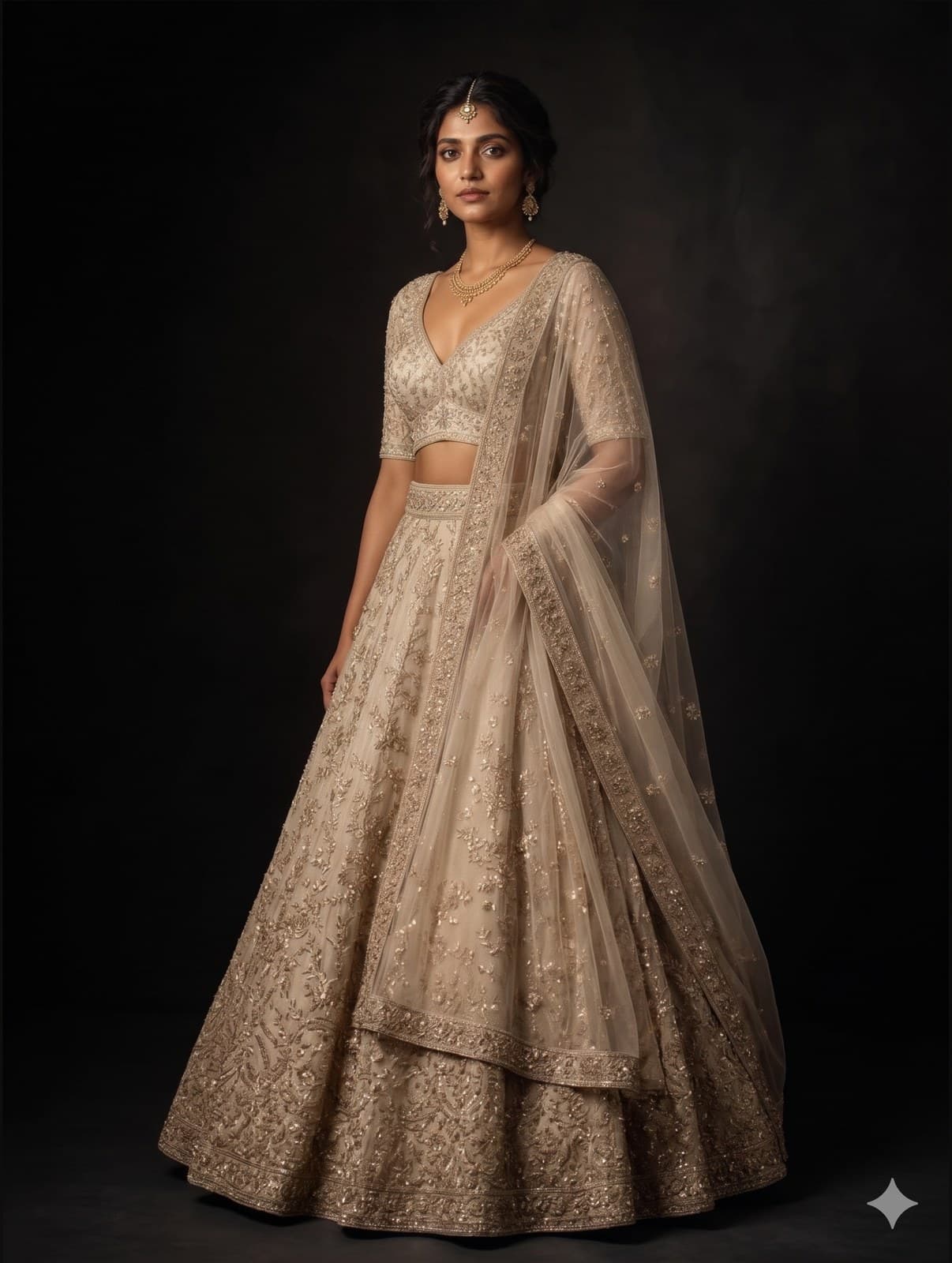
02
Capture a photograph
They take or upload a full-body photograph on that screen.
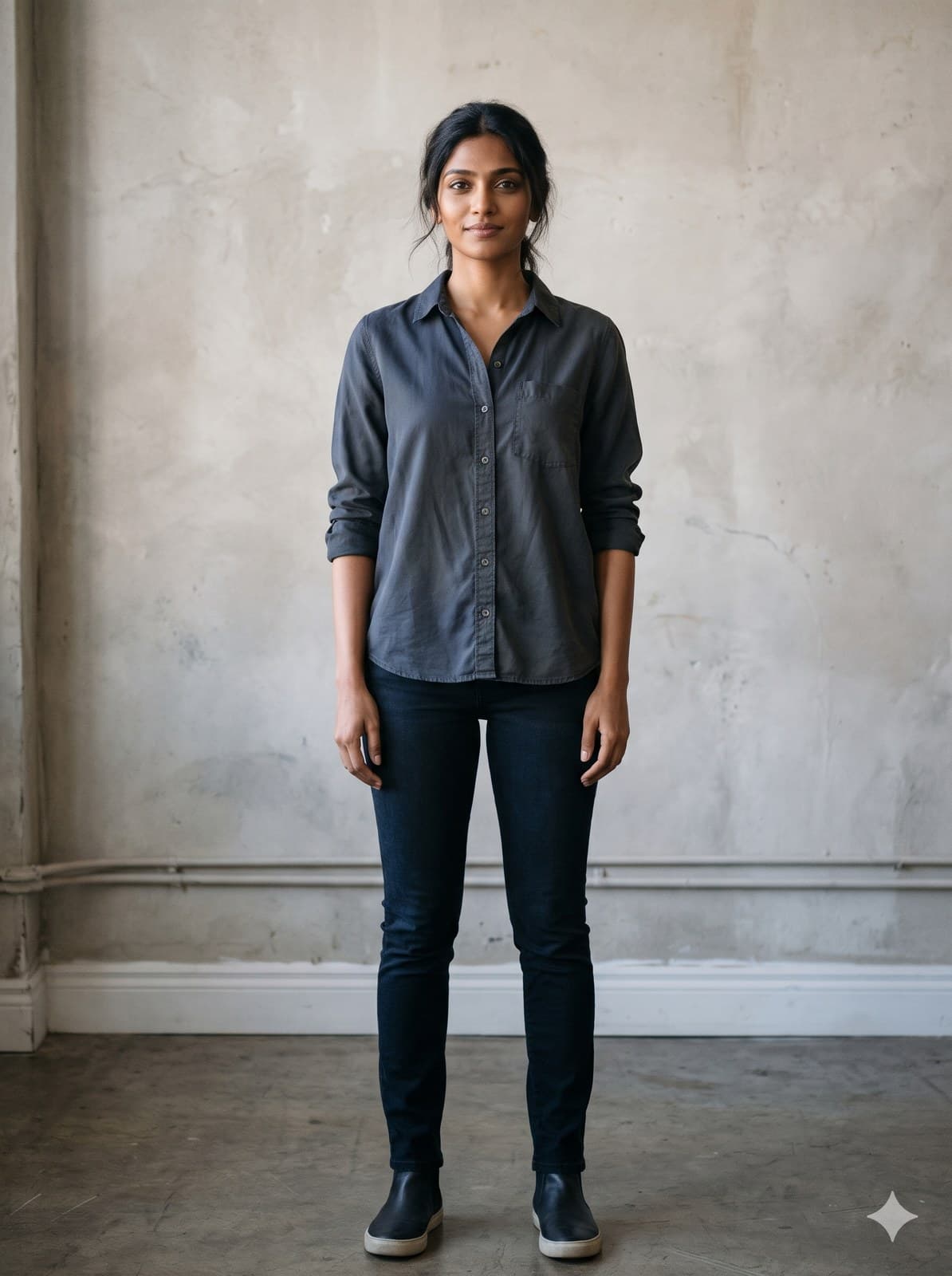
03
Personalized discovery
Mirror reads the photograph and opens clothing from that store which can suit them.
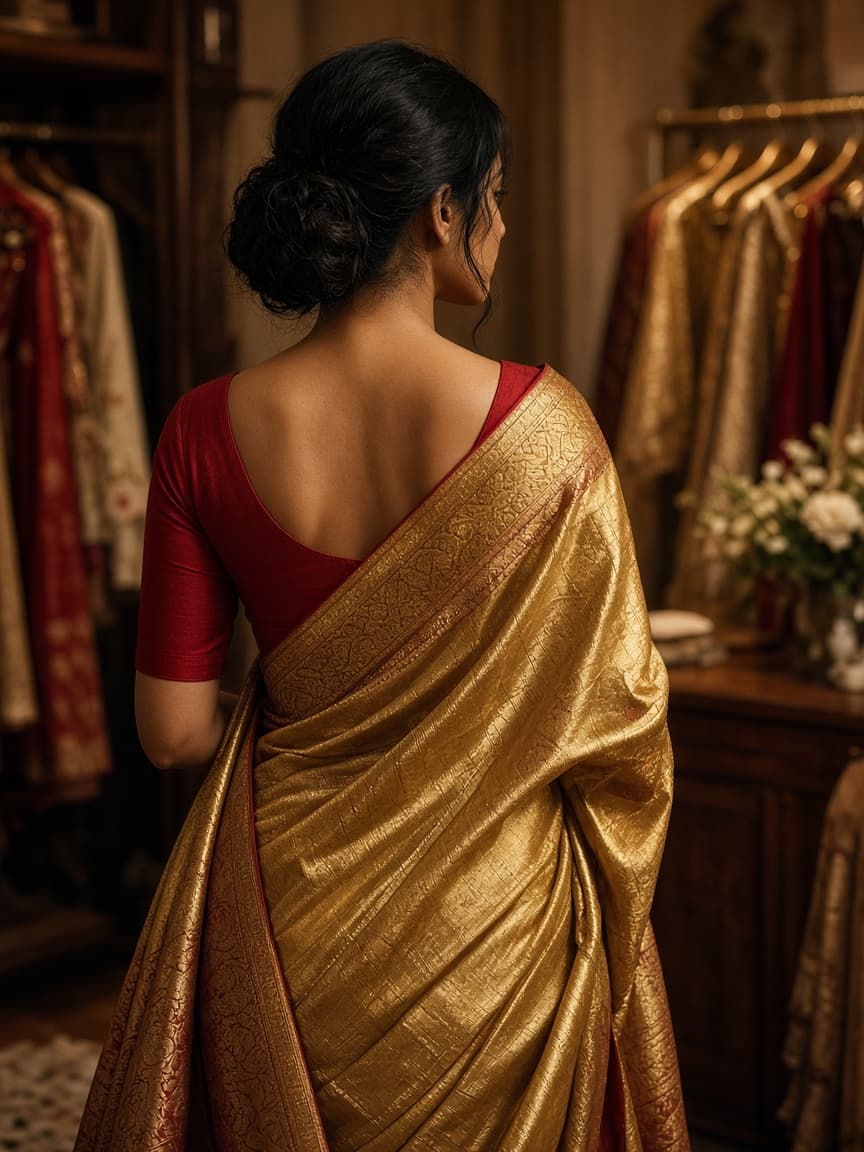
04
Select a garment
They browse the store’s own collection: traditional, casual, formal, ethnic, and complete outfits.
05
Virtual try-on
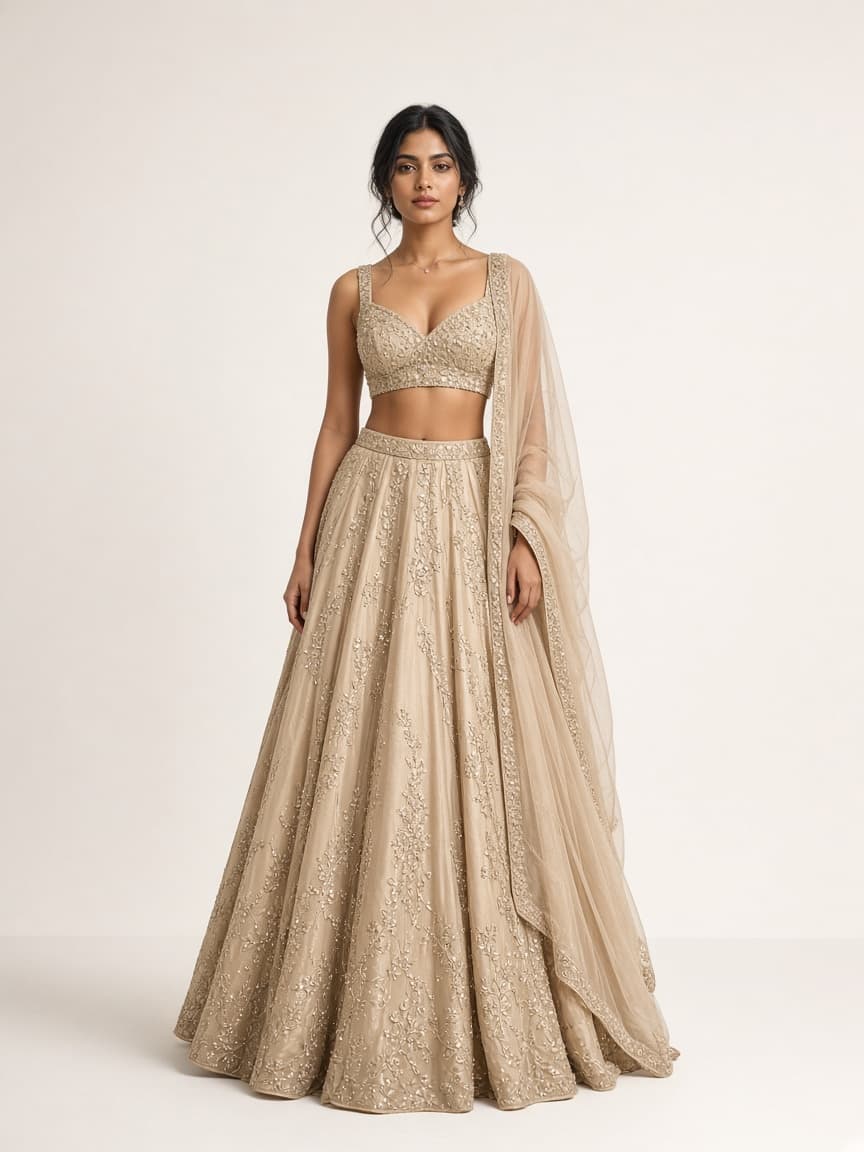
They choose a garment. Mirror generates a try-on they can compare with the photograph.
06
Discover more and shop
They keep looking, then buy the piece they want while they are still in the store.
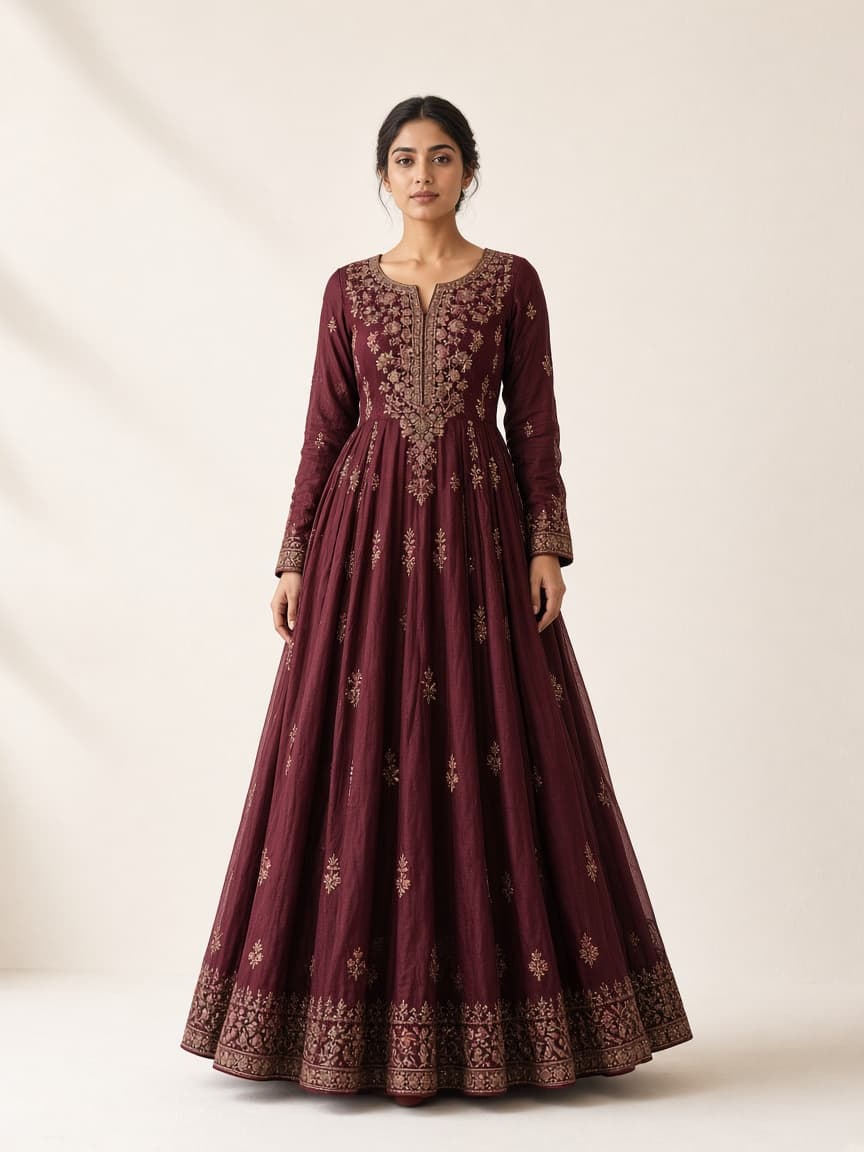
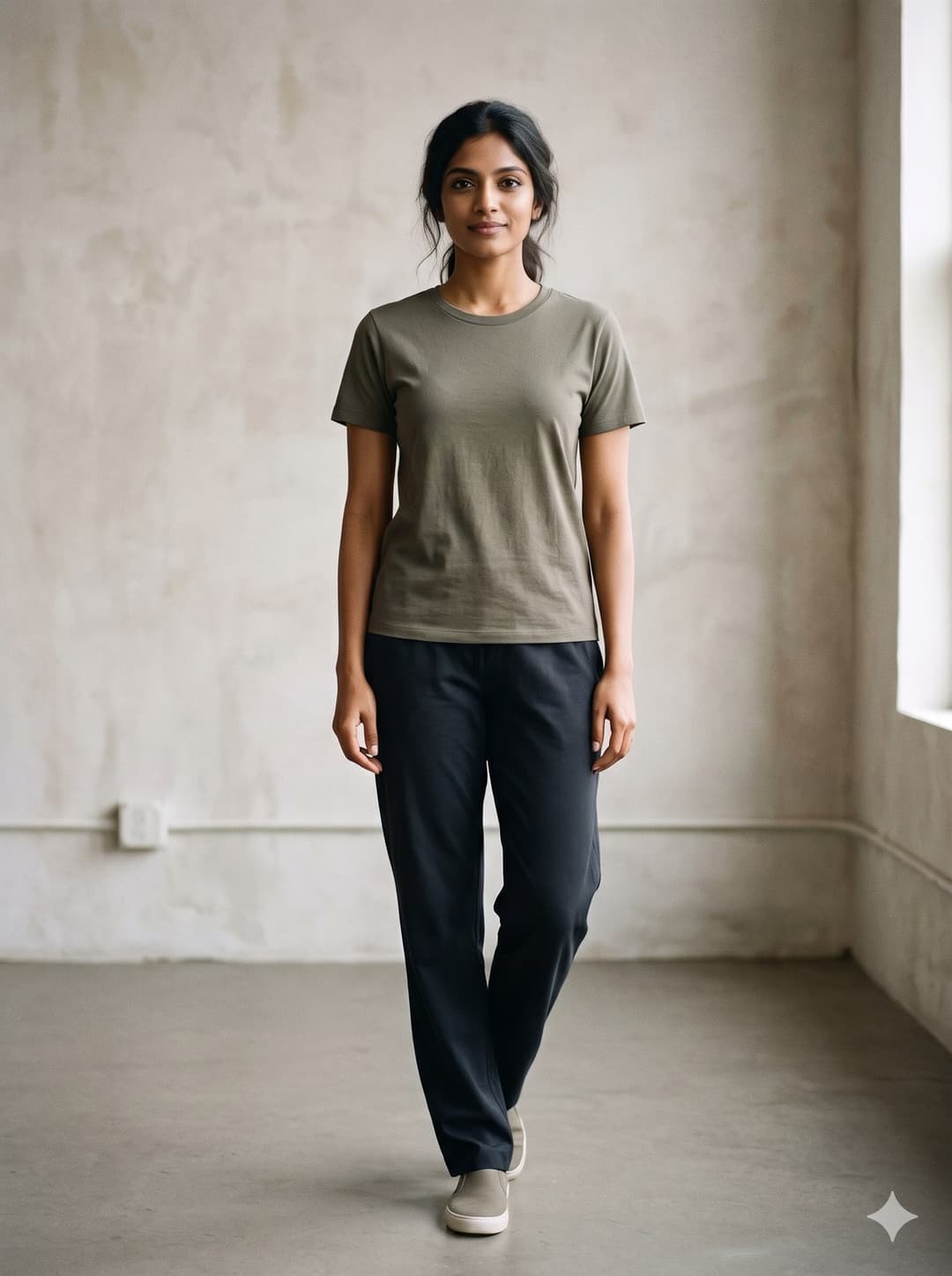
Photograph, then the try-on
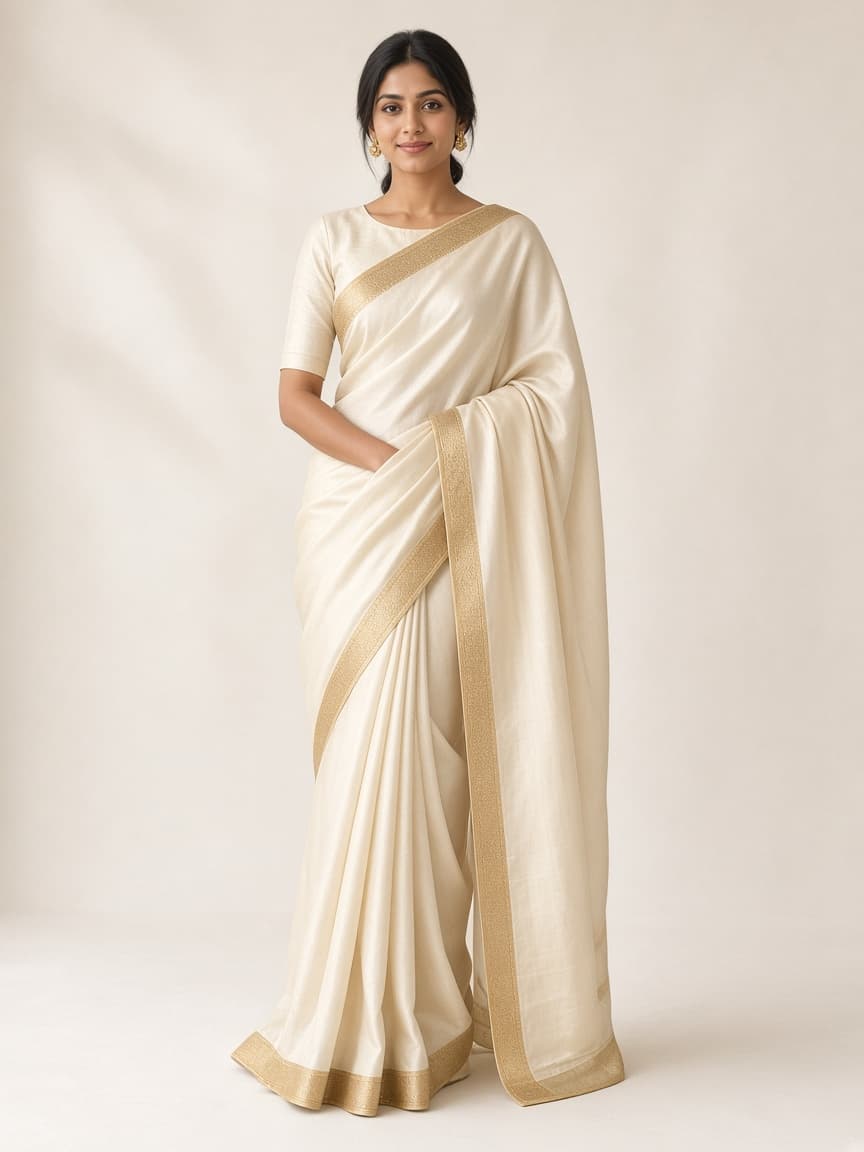
The customer compares the photograph they started with and the try-on Mirror returns. The demonstration further down this page does that with a sample photograph and a garment.
What Command does
Every part of your retail business. Under control.
A clothing business is more than the sale. Command is where products, customers, sales, staff, and more than one store sit together, so the day takes less hunting.
Command
Desk preview
Today
Sales
Orders
Open
Customers
Known
A preview of the desk. Figures are filled in from the store’s own trade.
Inventory
See what you hold, which sizes are in, and what to reorder.
Customers
Keep the relationship, remember what they prefer, and invite them back.
Sales
Read the day: revenue, orders, and how the shop is trading.
Staff
Set who is on the floor and what each person is responsible for.
Several stores
Watch each location, not only the one you are standing in.
Online shop
Keep the digital catalogue available to people who are not in the store.
Promotions
Put an offer in front of customers without a separate stack of tools.
Decisions
Use the reports on the desk when you choose what to buy and what to push.
03 · Alankar Pocket
The wardrobe that leaves with the customer.
Pocket is the phone. A customer keeps a wardrobe, gets suggestions, tries a garment, and can shop the store after they have gone.
- A wardrobe the customer keeps on their phone
- Outfit suggestions from clothes they already have
- Try-on after they have left the store
- Shopping from the same catalogue
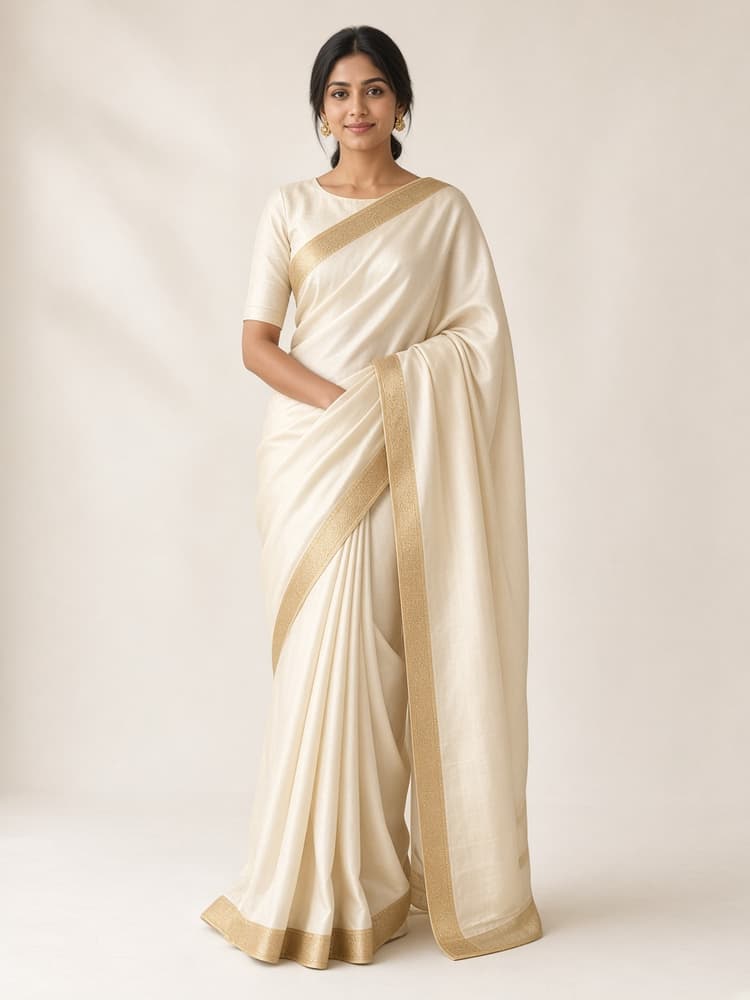
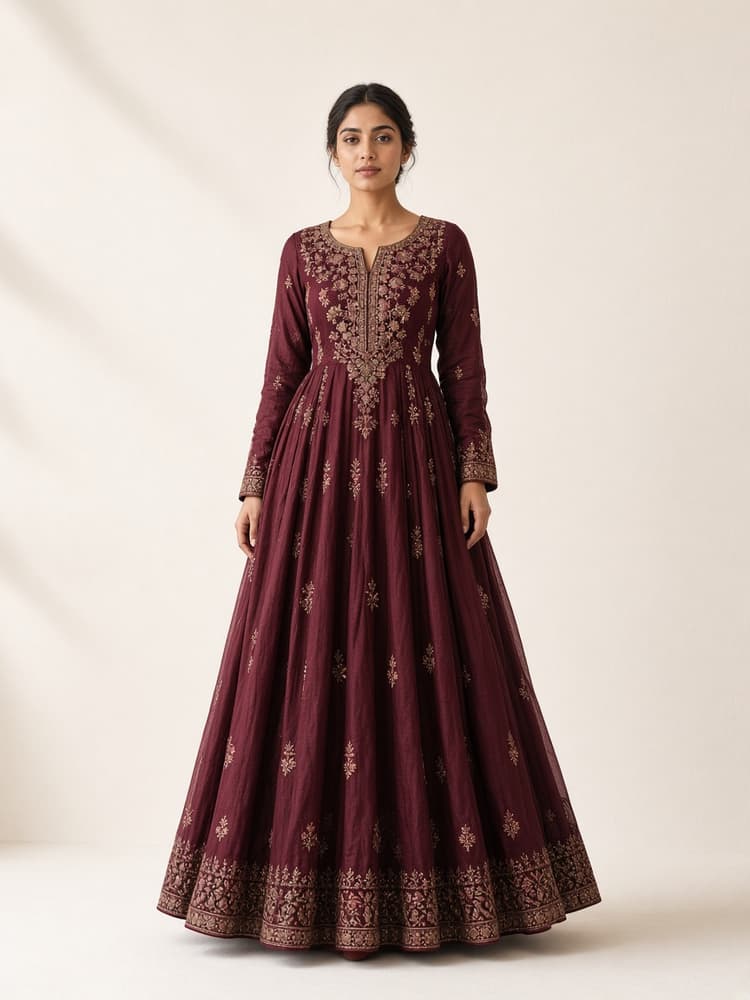
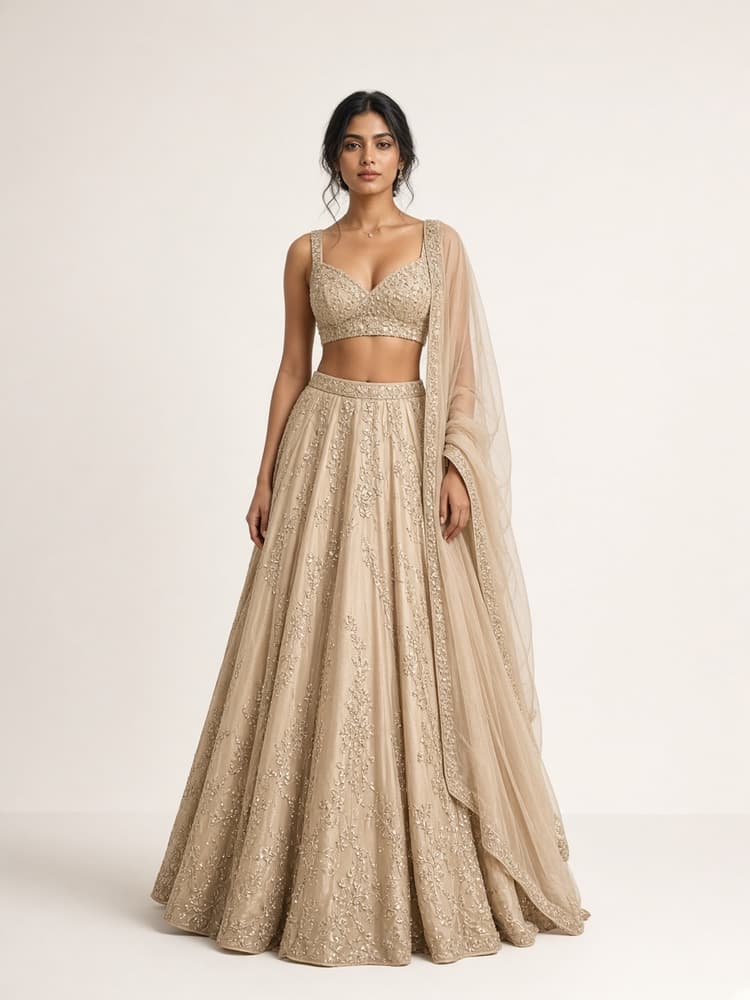
Why Alankar Studio
One ecosystem. Three experiences.
Alankar Studio
- Alankar MirrorIn-store virtual try-on
- Alankar CommandRetail business management
- Alankar PocketPersonal wardrobe and online shopping
One connected studio
Mirror, Command, and Pocket share the customer, the retailer, and the product.
Built for real retail
Made for the day a boutique, a brand, or a chain actually has.
A clearer visit
Customers discover a garment, see it, and look through more of the floor.
The business in view
Products, customers, and sales are readable from the desk.
Floor and phone
The visit can continue in a wardrobe and in online shopping.
Room to add stores
Start with one shop. Add locations without a second system.
Try it on this page
See a try-on before you book the floor.
Choose a sample photograph or upload one, pick a garment, and generate. The picture appears when the service returns it.
- 1. Choose a sample photo or upload one.
- 2. Pick a garment from the catalogue.
- 3. Generate. This can take about a minute.
This demonstration calls the try-on service from the server. The key stays on the server. A result is shown only when an image comes back.
1 · Photograph
2 · Garment
Choose a photograph and a garment. The try-on shows here.
For the floor
No limits to exploring style.
Give customers room to look through more outfits with the Unlimited Virtual Try-On package.
Alankar Unlimited Try-On
Contact sales
Pricing is confirmed with the store. It is not listed here.
- An unlimited try-on subscription for the store
- The Alankar Mirror experience on the floor
- Traditional, casual, formal, ethnic, and full outfits
- Customers can look through more than one garment
- The store’s own catalogue
- A touchscreen visit
- The retail desk in Alankar Command
Unlimited describes the subscription the store buys, not a promise of instant capacity. Fair use, operational limits, and service terms are agreed with sales.
The three products together
From the store floor to a personal wardrobe.
This is the journey the studio is built for. It is the intended path between the products, not a claim that every step already syncs on its own.
1
Command holds the products
The retailer keeps the catalogue, the stock, and the shops on the desk.
2
Those products reach Mirror
The clothes the store sells are what the floor experience can show.
3
The customer tries a garment
On the mirror they explore and generate a try-on.
4
Pocket continues the visit
They discover and shop from the phone.
5
Command keeps the relationship
The retailer runs the business and the customer from the same desk.
Who it is for
For the retailer and for the customer
For retailers
- A visit people stay with, because they can see more of the rack
- A clearer decision before the garment is wrapped
- Stock planned from what customers actually try
- One studio for the floor, the desk, and the phone
For customers
- See a garment before you commit to the trial room
- Suggestions that start from your own wardrobe
- Looks you can save and come back to
- The store’s clothes, later, on the phone
Book a demo today
See Mirror on a floor, Command on a desk, and Pocket on a phone.